Welcome to PyPillar’s documentation!
This is an open source REST tool which allow to run any python script as a distributed task to monitor its all events during execution.
Why PyPillar
This is an open source REST tool which allow to run any python script as a distributed task to monitor its all events during execution.
- Priceless and its free
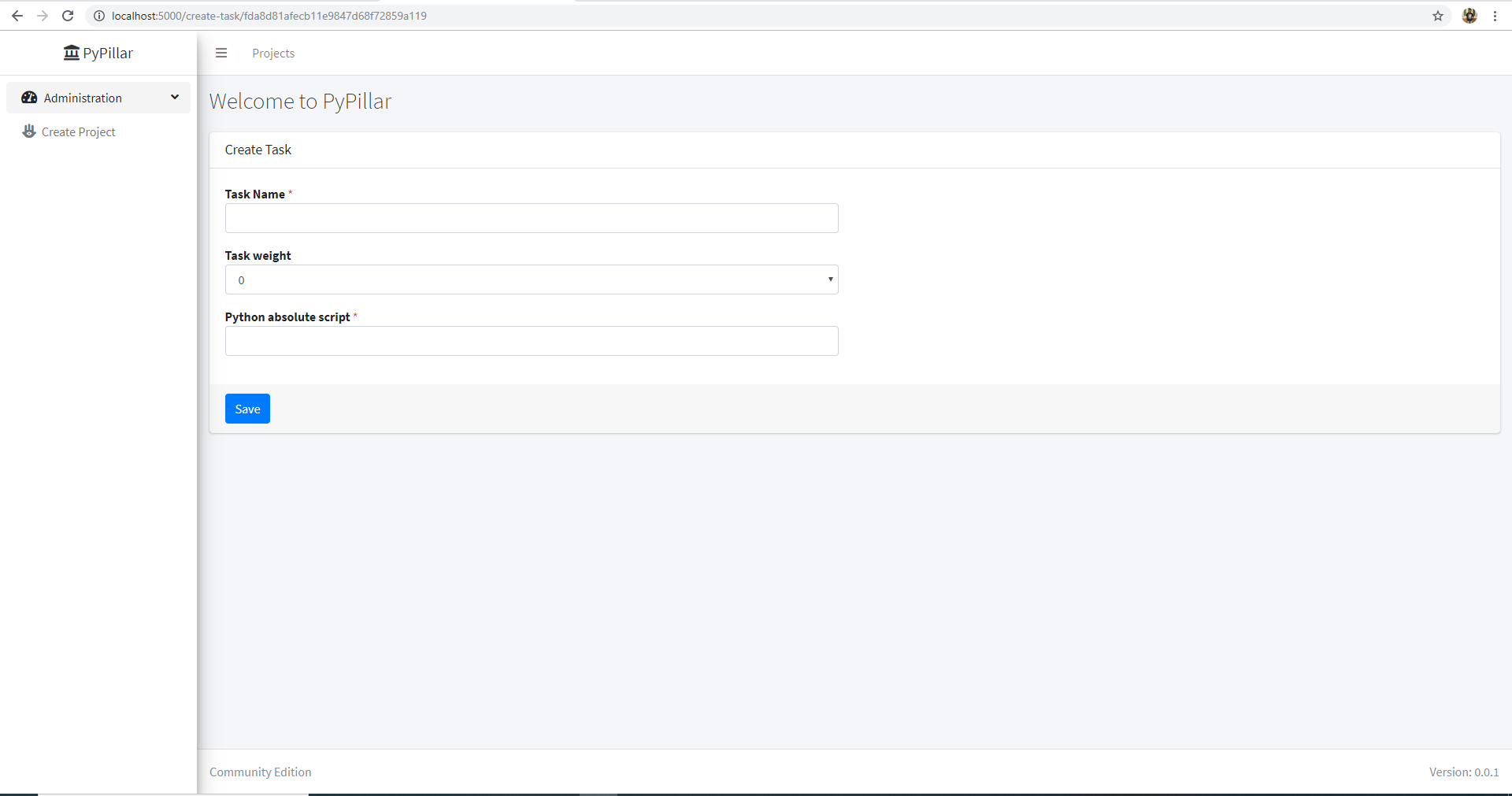
- Distribute your large python script in several task
- Monitor task logs
- Investigate python task exception.
- Investigate requests history in future at any point of time.
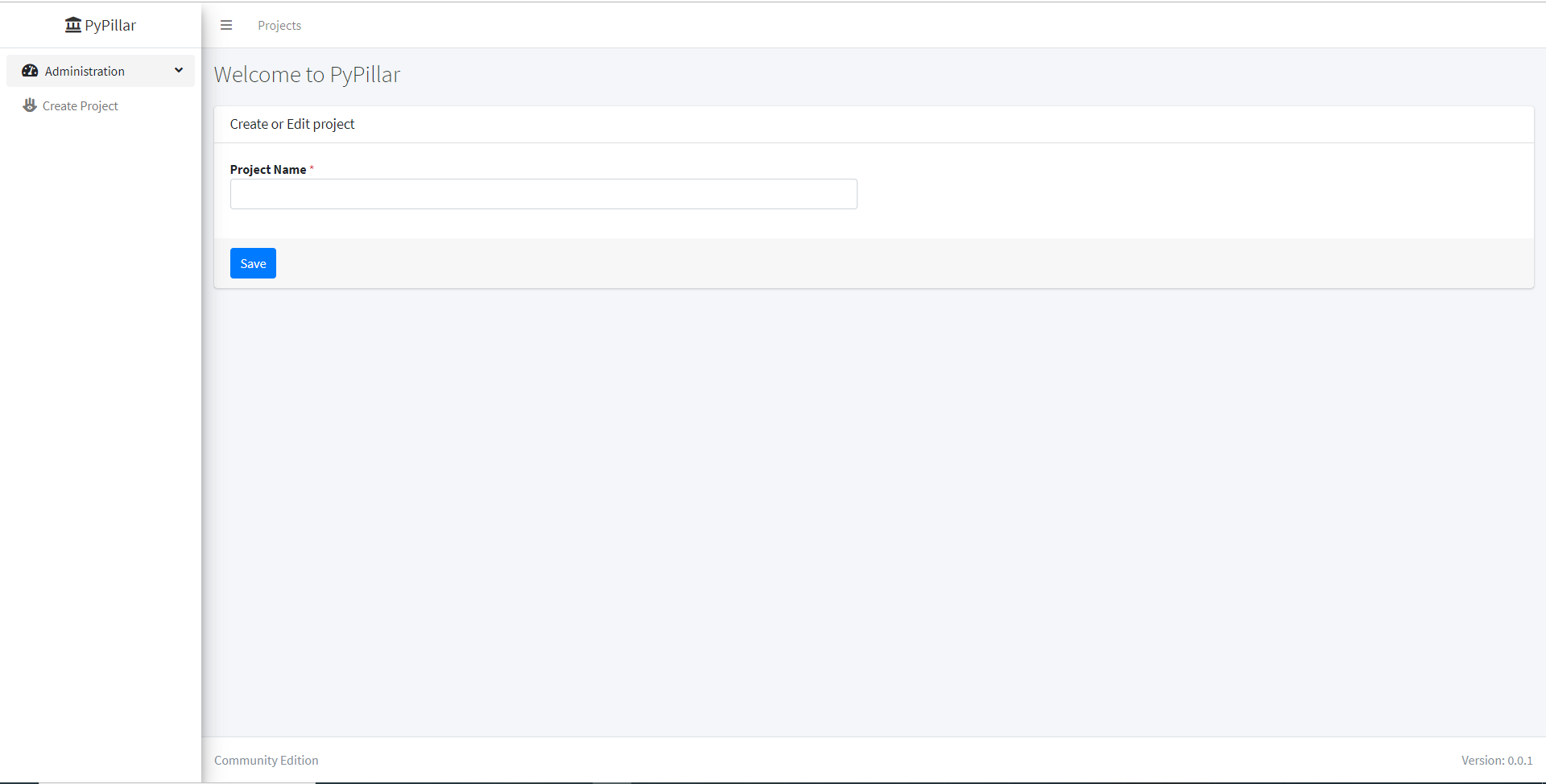
- Create multiple projects.
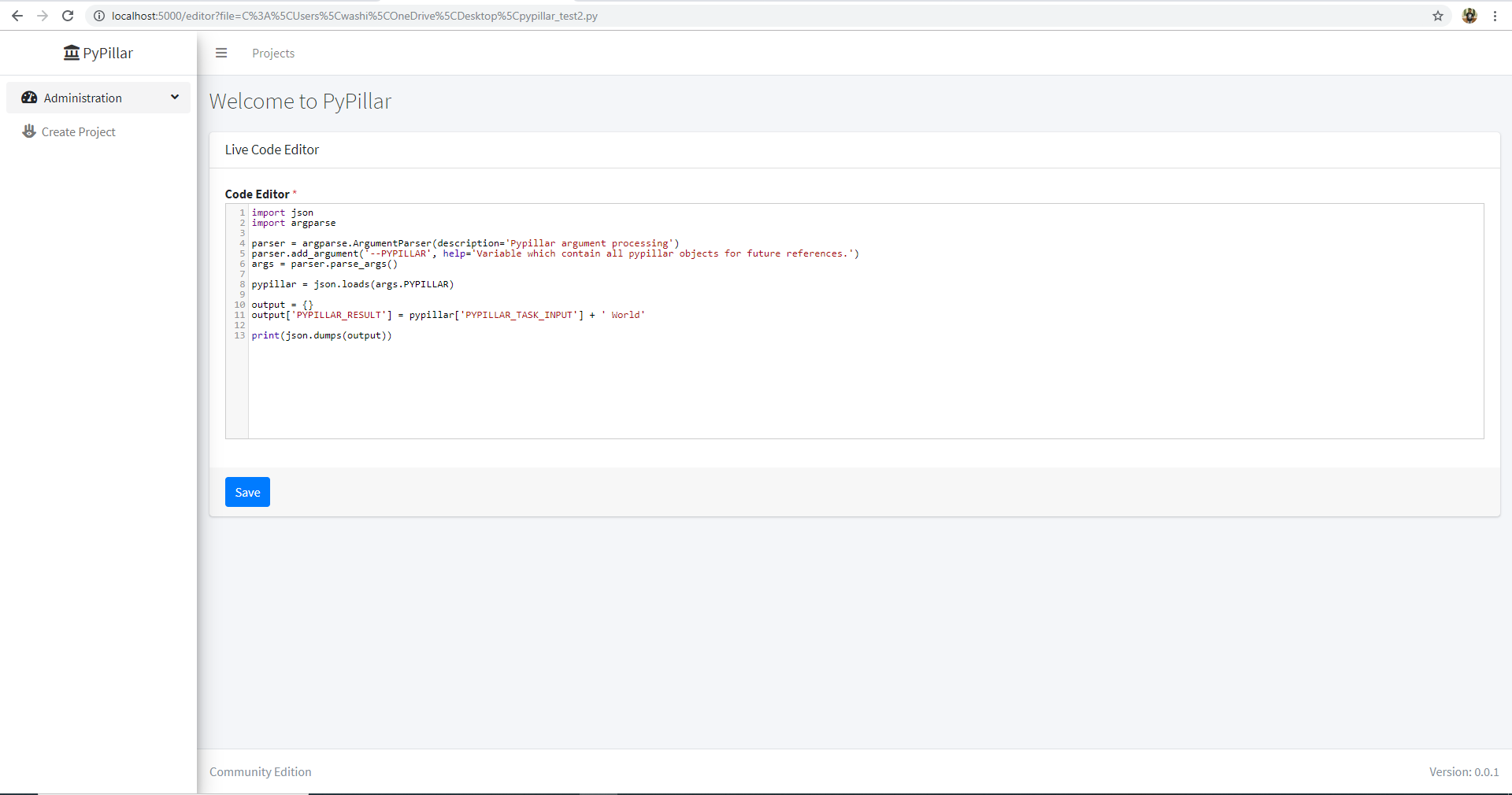
- Live code editor which allow to change code associated with task.
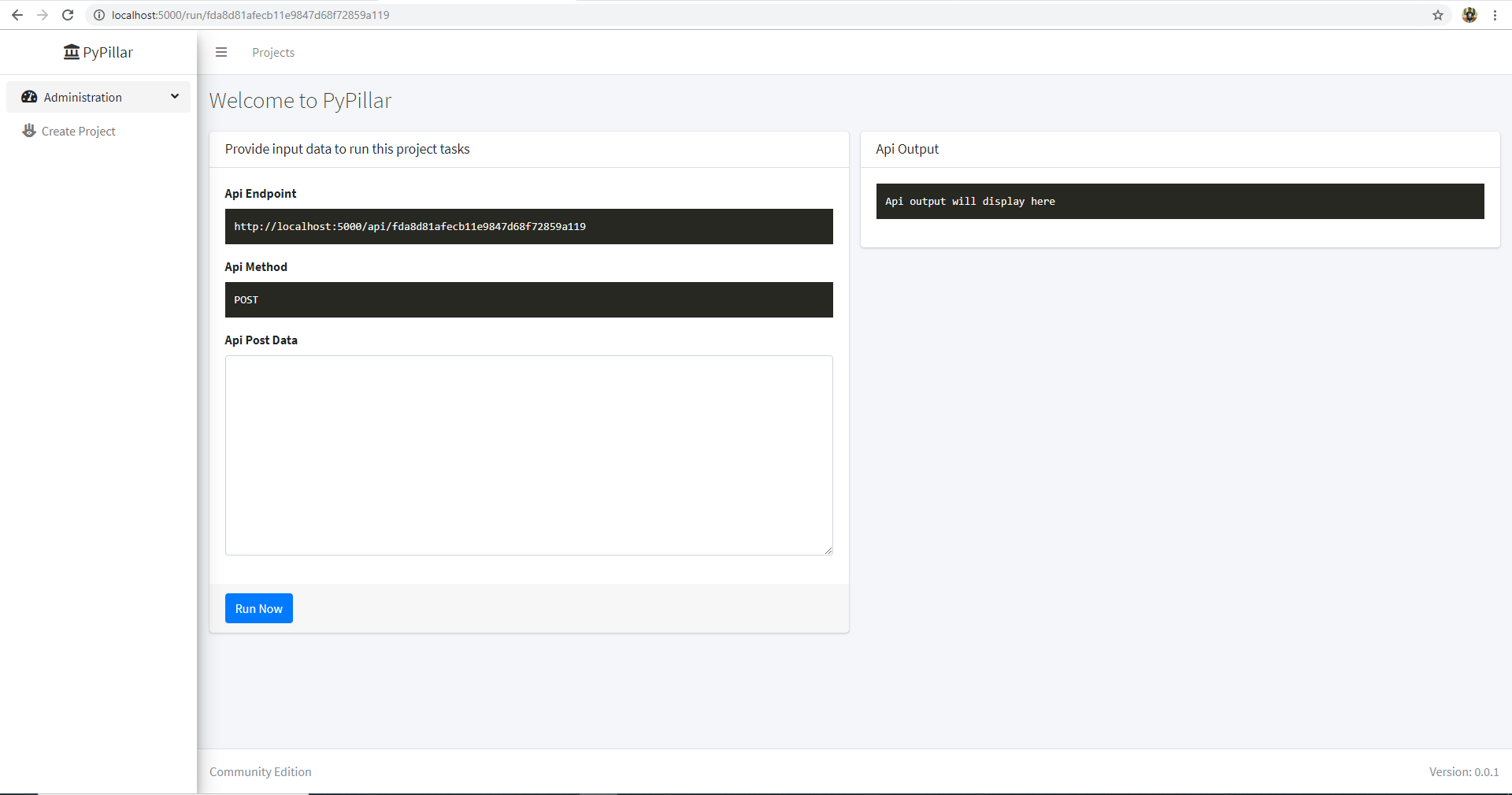
- Quickly and easily run REST to test the REST api.
Installation
pip install pypillar
Start Server
To start PyPillar server run below command in terminal
It will expose the server in http://localhost:5000
PyPillar Runtime Task Input
Suppose you want to pass transformed input from Task1 to Task2 and finally you want result then below is the example.
# Task1 python script
import json
var = {}
var['PYPILLAR_TASK_INPUT'] = 'Hello'
print(json.dumps(var))
# Task2 python script
import json
from pypillar.common import runtime_objects
pypillar = runtime_objects()
output = {}
output['PYPILLAR_RESULT'] = pypillar['PYPILLAR_TASK_INPUT'] + ' World'
print(json.dumps(output))
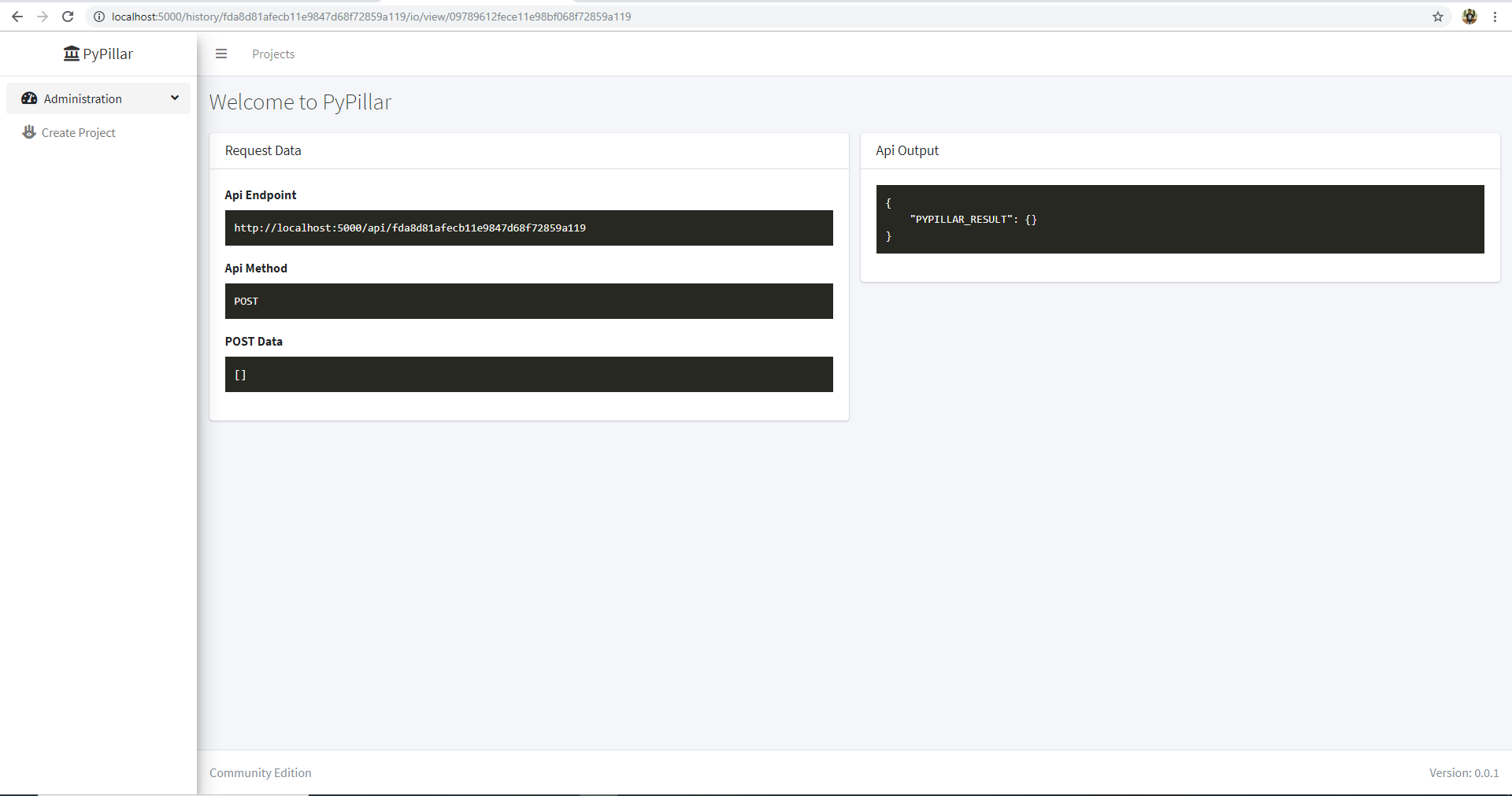
It will give following result
{
   "PYPILLAR_RESULT": "Hello World"
}